Discover Homepage.dev
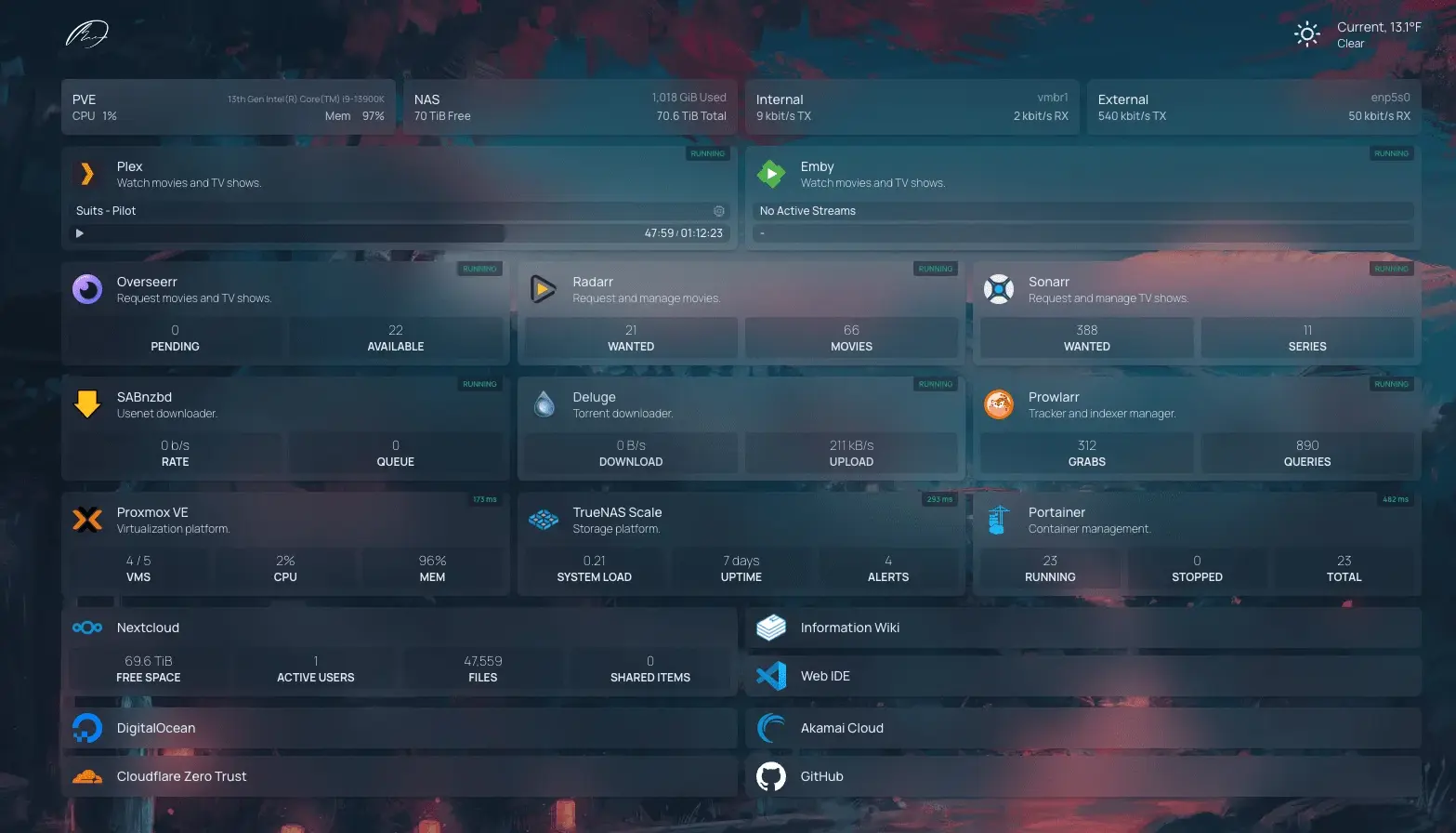
Managing your online tools and services can be a headache, especially if you have several environments (Dev/UAT/Prod) and must constantly switch between them. Perhaps you should know about Homepage.dev – a super simple, fast, and secure dashboard that brings everything you need into one place. The product is distributed under GPL-3.0 license.
What is homepage.dev?
Think of this app as your personal control center for the internet. It’s a dashboard where you can see and access all your favorite tools and services from one screen. No more keeping browser bookmarks and sharing them with your team – everything is right at your fingertips. This is one of my most preferred dashboard apps now.
Why you'll love homepage.dev?
Super Easy to Use
Fast and Secure
Highly customizable
Over 100 Services Integrated
Multiple Languages
Easy Setup with YAML or Docker
Getting Started
Here’s how to get started with Homepage:
Go to Homepage.dev to learn more and start setting up your dashboard, or just follow me.
I am using WSL / Linux Ubuntu terminal console:
git clone https://github.com/gethomepage/homepage.git
In fact, you do not even need to clone it, but the repository contains manuals.
Create a docker-compose.yaml file.
nano docker-compose.yaml
Put this text and save the file.
---
services:
  homepage:
    image: ghcr.io/gethomepage/homepage:latest
    container_name: homepage
    environment:
      - PUID=1000
      - PGID=1000
    ports:
      - 80:3000
    volumes:
      - ./config:/app/config
      - ./images:/app/public/images
      - /var/run/docker.sock:/var/run/docker.sock:ro # optional, for docker integrations
    restart: unless-stopped
Now spin up the container in detached mode. Make sure you use the latest Docker, otherwise, you might need to add the dash in the command docker-compose:
docker compose up -d
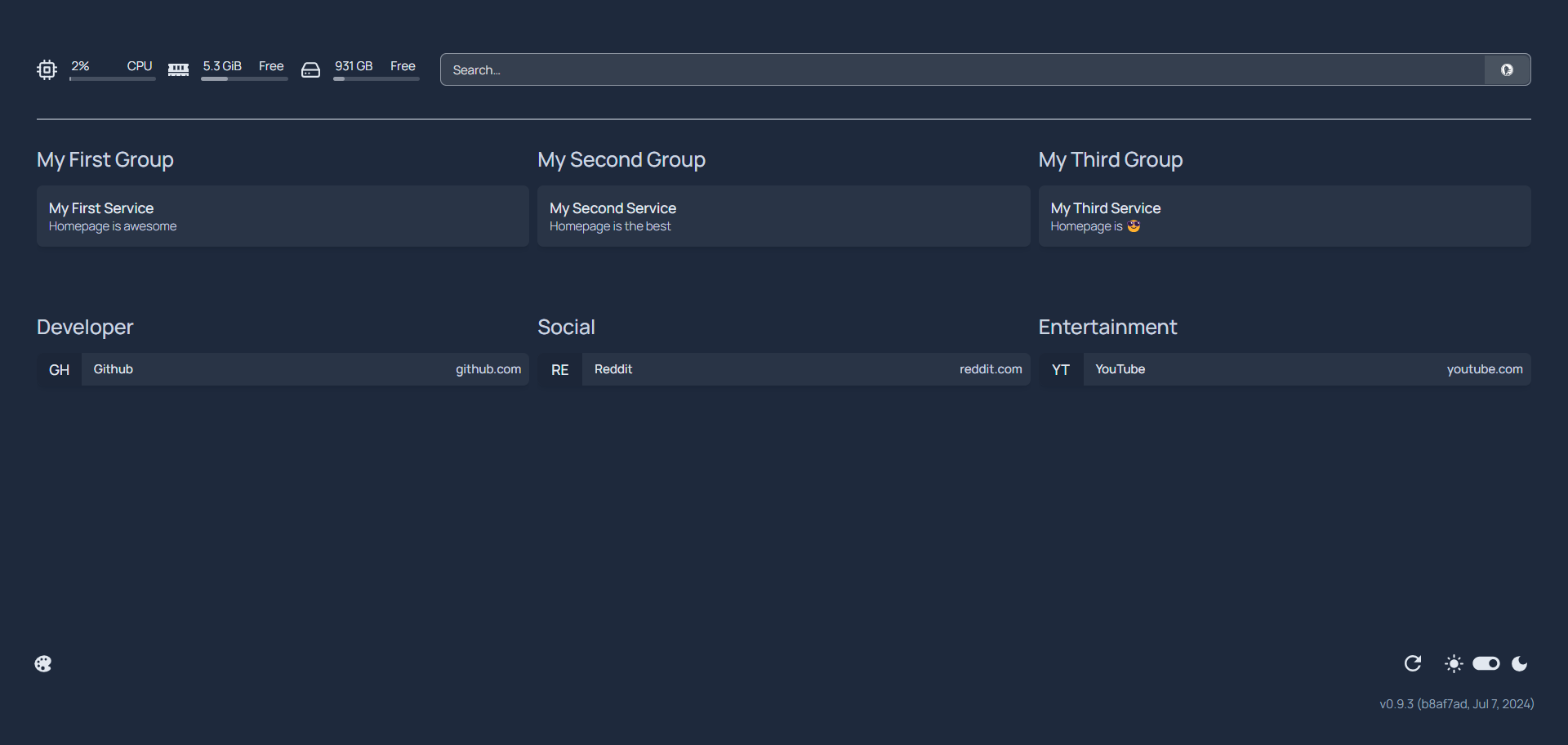
If you do everything right, you will open http://localhost:80 in your browser and see a beautiful thing:
Now edit the config file:
nano config/services.yaml
and you will see the current configuration!
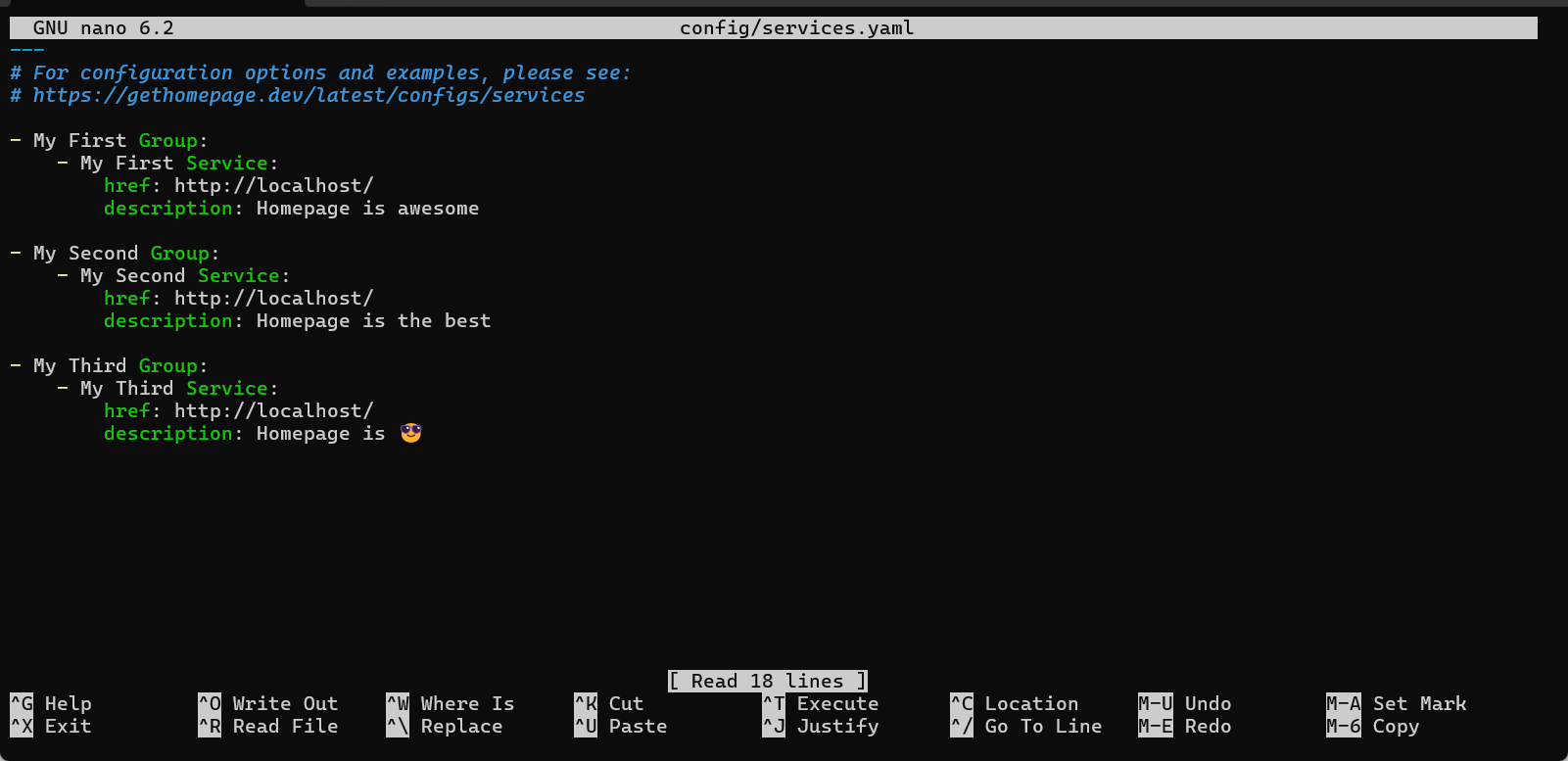
Now modify it to your taste, save and enjoy - it will hot-reload your changes!
I am dearly inviting you to read manuals, as you can completely change look&feel of your dashboard.
After you set it up and feel the happiness, send kudos to over 200 contributors to this product - they did a great job!
Comments
Join the discussionNo comments yet. Be the first to comment.


